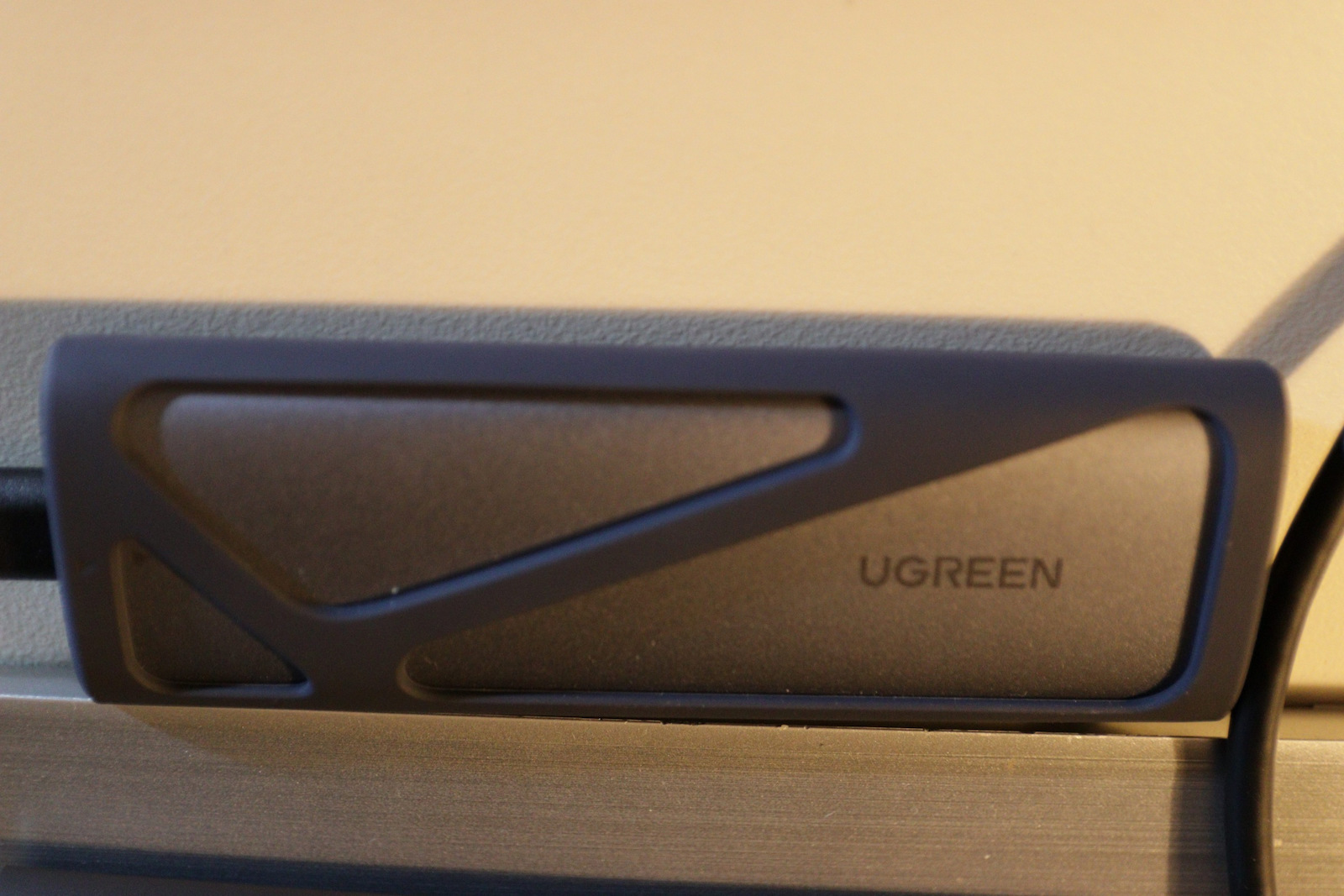
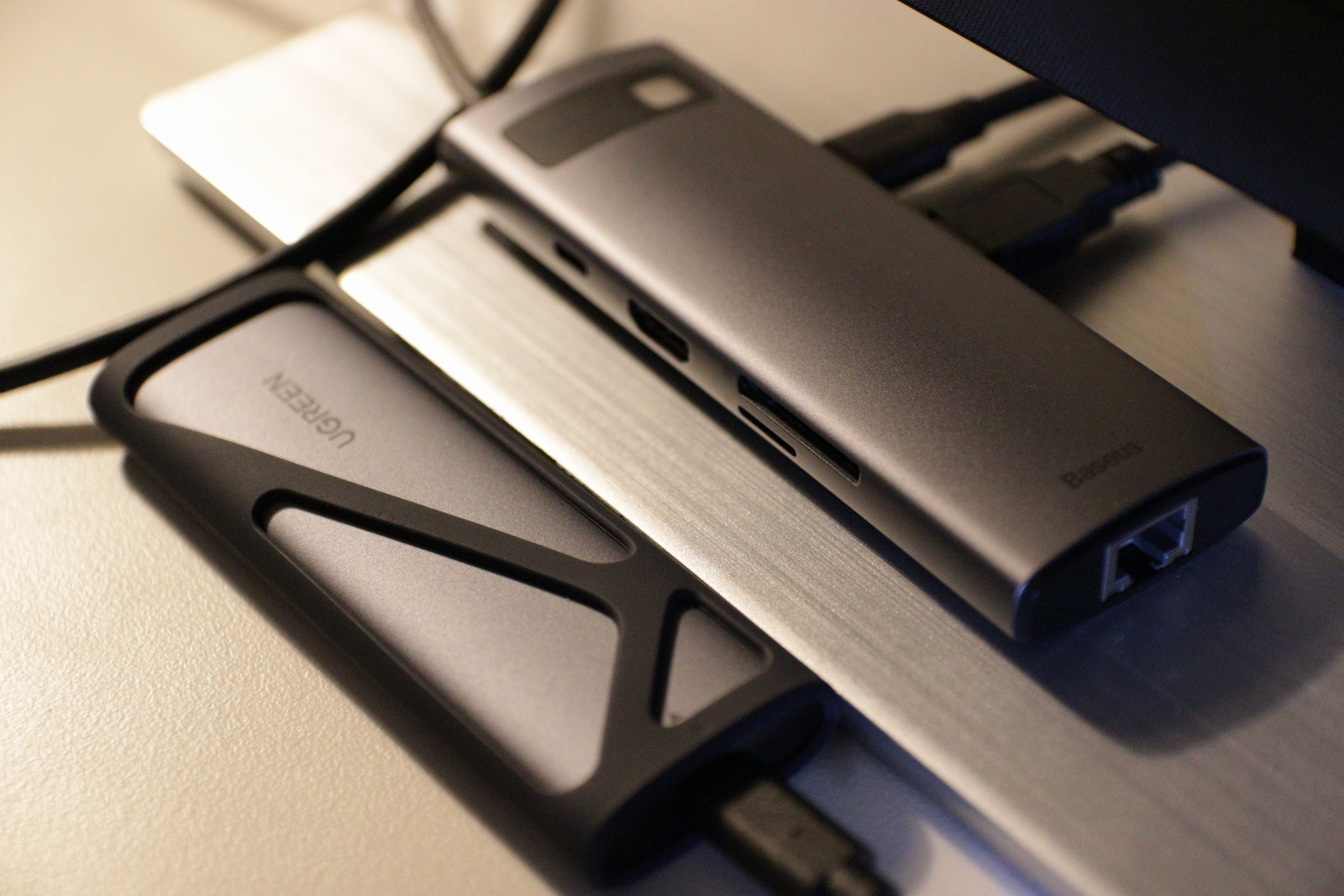
Jeder Cent wert für seine Benutzerfreundlichkeit, Kompatibilität und Geschwindigkeit.
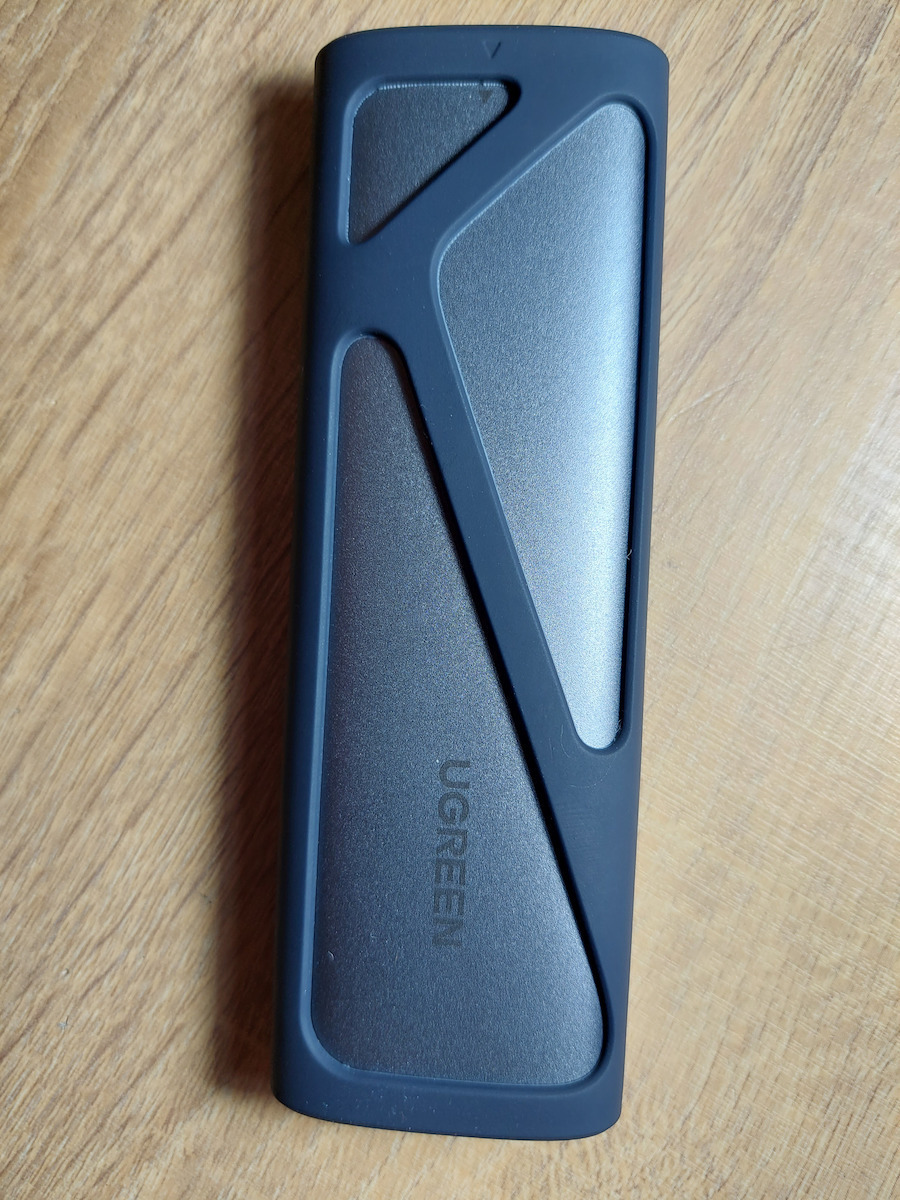
Benutzerfreundlichkeit: vollständig werkzeuglos. Sie benötigen kein Werkzeug, um es zu öffnen/schließen oder die NVMe-Festplatte zu installieren, nicht einmal einen Schraubenzieher. Um es zu öffnen, drücken Sie einfach den festen Kunststoff-Deckel „nicht dort, wo der USB-Port ist“, und es öffnet sich mit einem Klick, genau wie ein Kugelschreiber, und das Gehäuse schiebt sich aus dem Gehäuse heraus.
Installation der NVMe-Festplatte: Es gibt eine Gummischraube „Screw“ darin mit Löchern, die die Installation verschiedener Festplattengrößen ermöglichen. Sie befestigen diese Schraube an der Kerbe der Festplatte, stecken die Festplatte in ihren Steckplatz, drücken dann den Rand nach unten und schieben die Schraube in das Loch. Kein Werkzeug nötig, nur Ihre Finger.
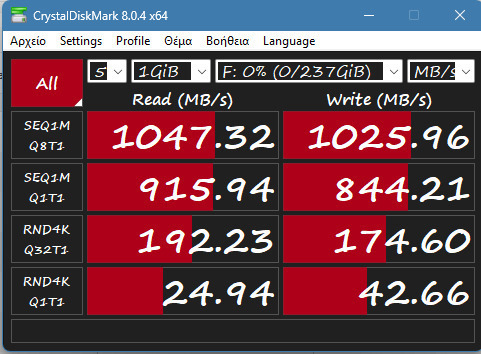
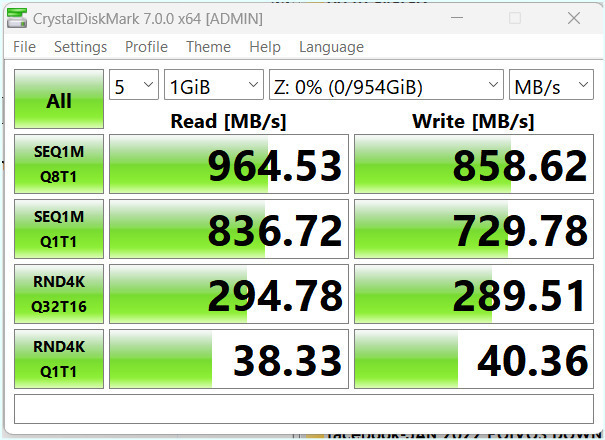
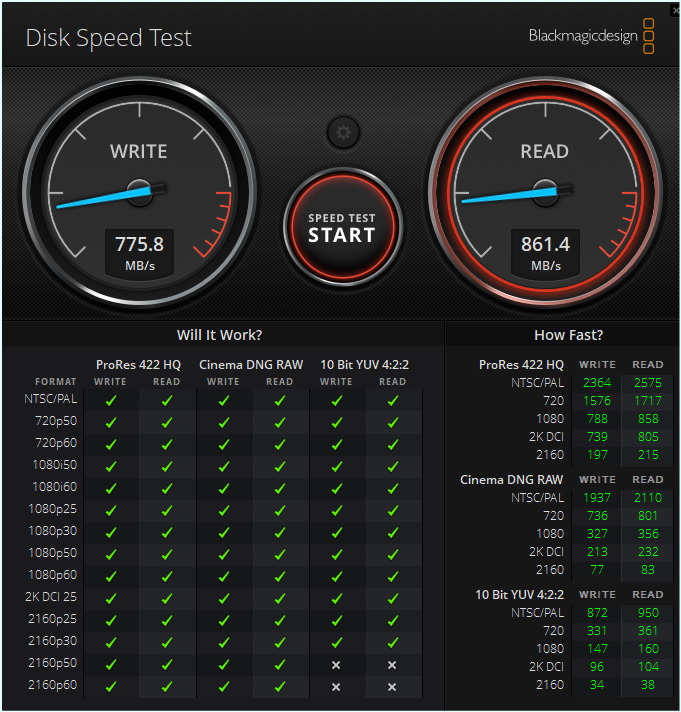
Geschwindigkeit: Ich habe meine alte M.2 NVMe-Festplatte darin installiert „PCIe 3, 500 GB, Lese-/Schreibgeschwindigkeiten um die 2500 MB/s im PC“ und sie an den USB-C-Port angeschlossen „angegebene Geschwindigkeit im Handbuch des Mainboards 10 Gbps“. Die endgültige Lese-/Schreibgeschwindigkeit betrug 1100 MB/s.
Verwendung: Ich habe Linux Mint darauf installiert, um es extern zu nutzen, anstatt es auf der Haupt-NVMe in meinem PC zu installieren „Windows liebt es, jeden fremden Bootloader bei jedem Update zu zerstören“. Die Ergebnisse sind erstaunlich, die Bootzeit und die Gesamtleistung sind erstklassig.
Worth every penny for its ease of use, compatibility and speed.
Ease of use: completely toolless. You don't need any tool to open/close it or install the NVMe drive, not even a screwdriver. To open it, you just push the solid plastic top "not where the USB port is", and it opens with a click just like a pen, and the enclosure slides out of the casing.
Installing the NVMe drive: there's a rubber "screw" inside it with holes that allow multiple drive sizes to be installed. You attach that screw to the notch of the drive, insert the drive into its slot, then push the edge down and push the screw into the hole. No tools needed, just your fingers.
Speed: I installed my old M.2 NVMe drive in it "PCIe 3, 500 GB, Read/Write speeds around 2500 MB/s inside the PC" and plugged it into USB-C port "advertised speed in the motherboard manual 10 Gbps". The final Read/Write speed was 1100 MB/s.
Usage: I installed linux mint on it to use it externally rather than installing on the main NVMe inside my PC "Windows loves to trash any foreign boot loader with each update". The results are amazing, the boot time and overall performance is top.